

Finding integrations
Search the Botpress Integration Hub
Search for integrations by keyword:List available integrations
Browse all available integrations from the Botpress Integration Hub:View integration details
Get detailed information about a specific integration, including its actions, events, and channels:Adding integrations
Add an integration using theadk add command:
agent.config.ts as a string shorthand:
Newly added integrations are disabled by default. Enable and configure them in the Control Panel during
adk dev.Pinning a version
Add a specific version instead of the latest:Using an alias
Add an integration with a custom alias. This is useful when you need multiple instances of the same integration:Avoid aliasing built-in channel integrations (webchat, chat, slack, teams, telegram, whatsapp). The runtime uses the alias to identify these integrations, and a custom alias will prevent default message components from loading.
Workspace-scoped integrations
Add a private or custom integration from your workspace:Configuring integrations
Integration settings (API keys, tokens, OAuth credentials) are managed in the Control Panel, not inagent.config.ts.
- Run
adk devto start the development server - Open the Control Panel at
http://localhost:3001/integrations - Find the integration and click to configure it
- Enter the required settings and enable it
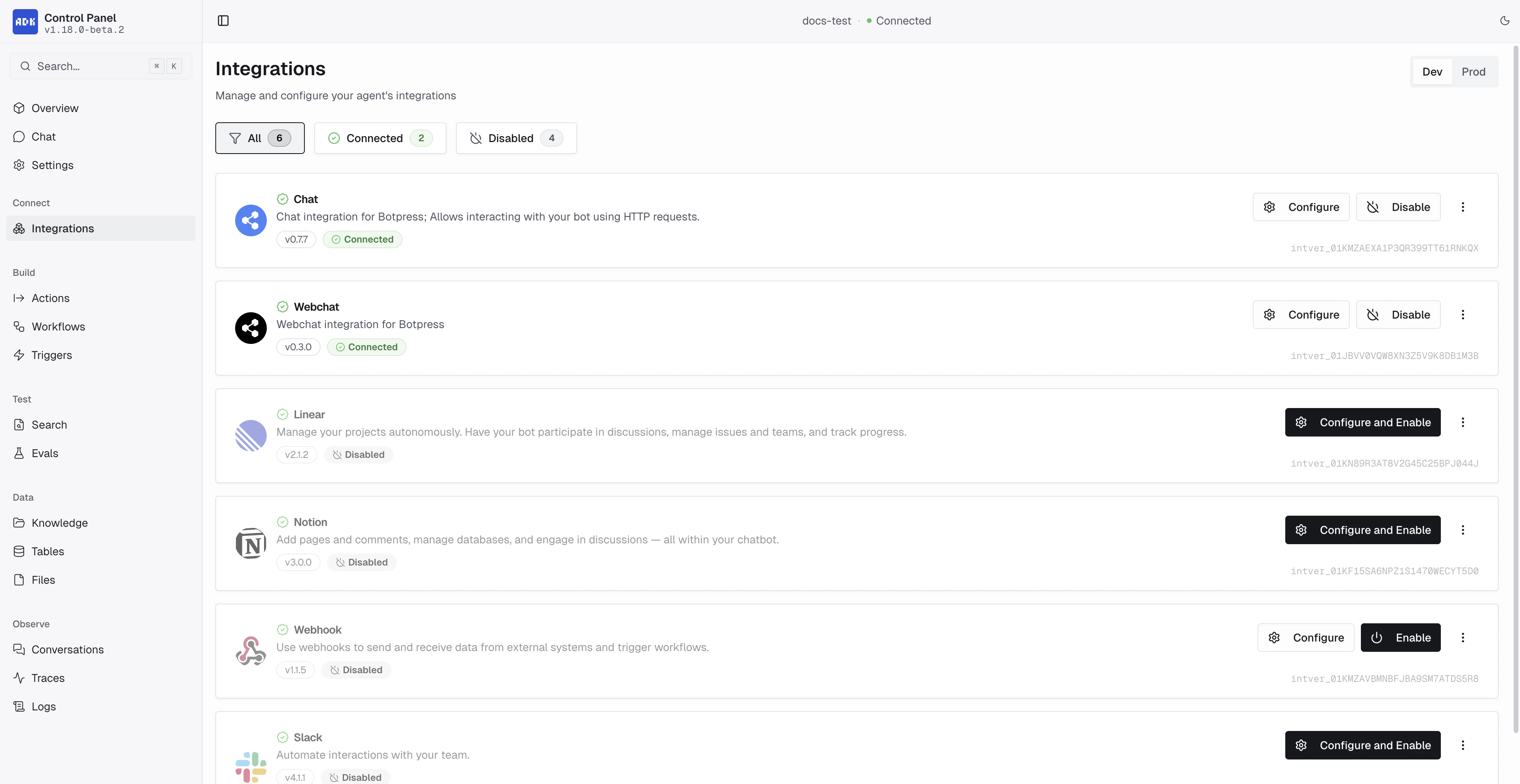
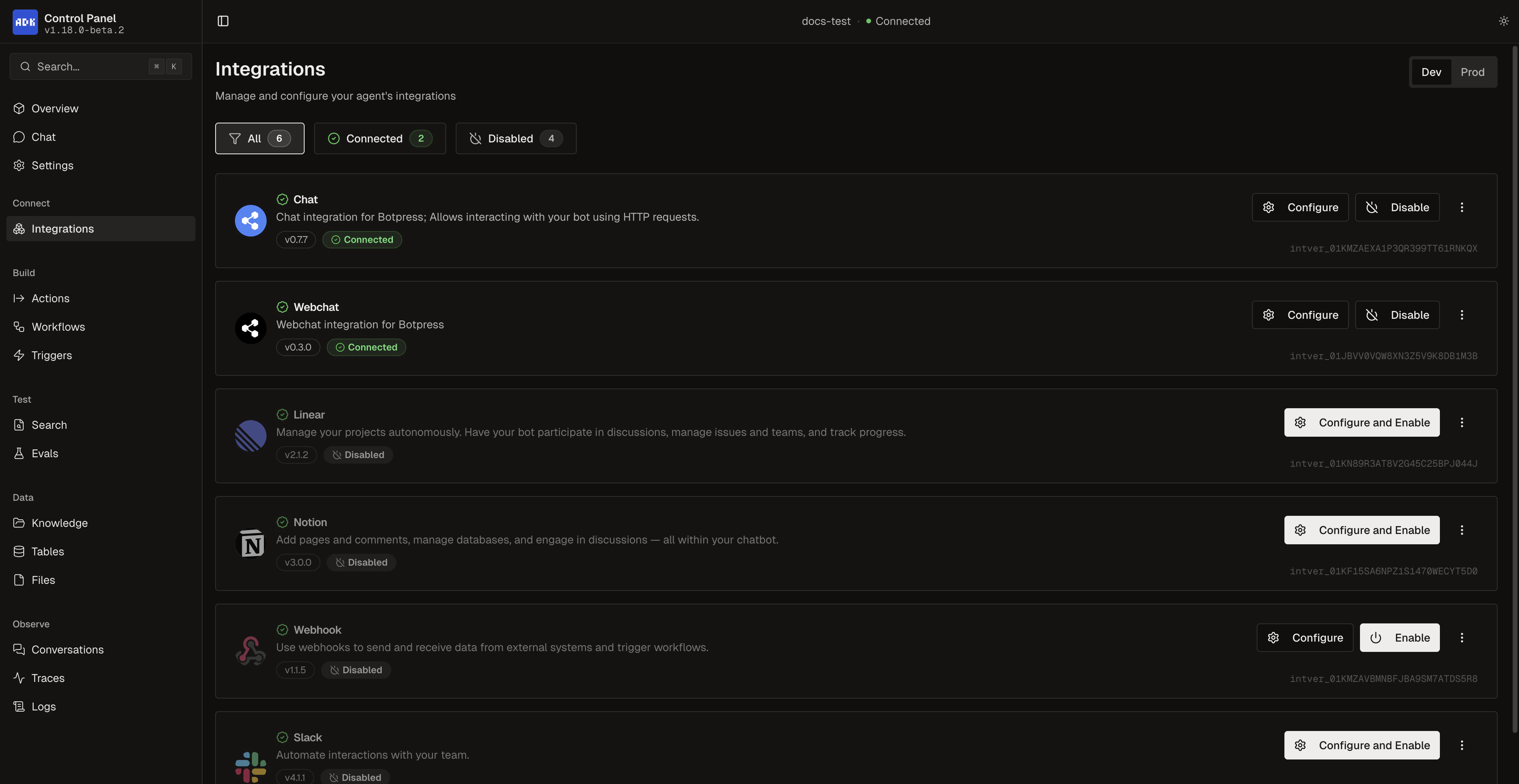
| Status | Meaning |
|---|---|
| Connected | Enabled, registered, and configured |
| Disabled | Turned off, can be enabled |
| Needs Action | Requires installation, configuration, or enabling |
| Failed | Registration error |
Listing installed integrations
View integrations currently installed in your project. The Alias column shows the key you use to reference each integration in your code:Updating integrations
Update a specific integration
Update all integrations interactively
Removing integrations
Remove an integration from your project:adk remove without a name to choose interactively.
Using integrations in code
Once an integration is installed and enabled, its actions become available in your agent:events prop).